Highlights
- Test over real audio. Timing, talk-overs, noise and pronunciation only show up when the call is spoken.
- Test with the callers you will actually get: different accents, speeds, moods and languages.
- Check what the AI voice agent says and how it says it. A natural-sounding wrong answer is still a wrong answer.
- Rerun the same checks after every change, and keep scoring live calls once you launch.
It's the day before launch. Someone asks: "Is the AI voice agent ready?"
Everyone nods. The demo calls were smooth. But nobody can say what happens when a caller is on a bad line, cuts the agent off mid-sentence, or sits through five seconds of silence while the booking system catches up.
"Ready" isn't a feeling. It's a checklist.
Even the best AI voice agent in a demo can stumble on real calls, and choosing the most reliable voice AI agent platform doesn't remove the need to test your own prompts, tools and callers.
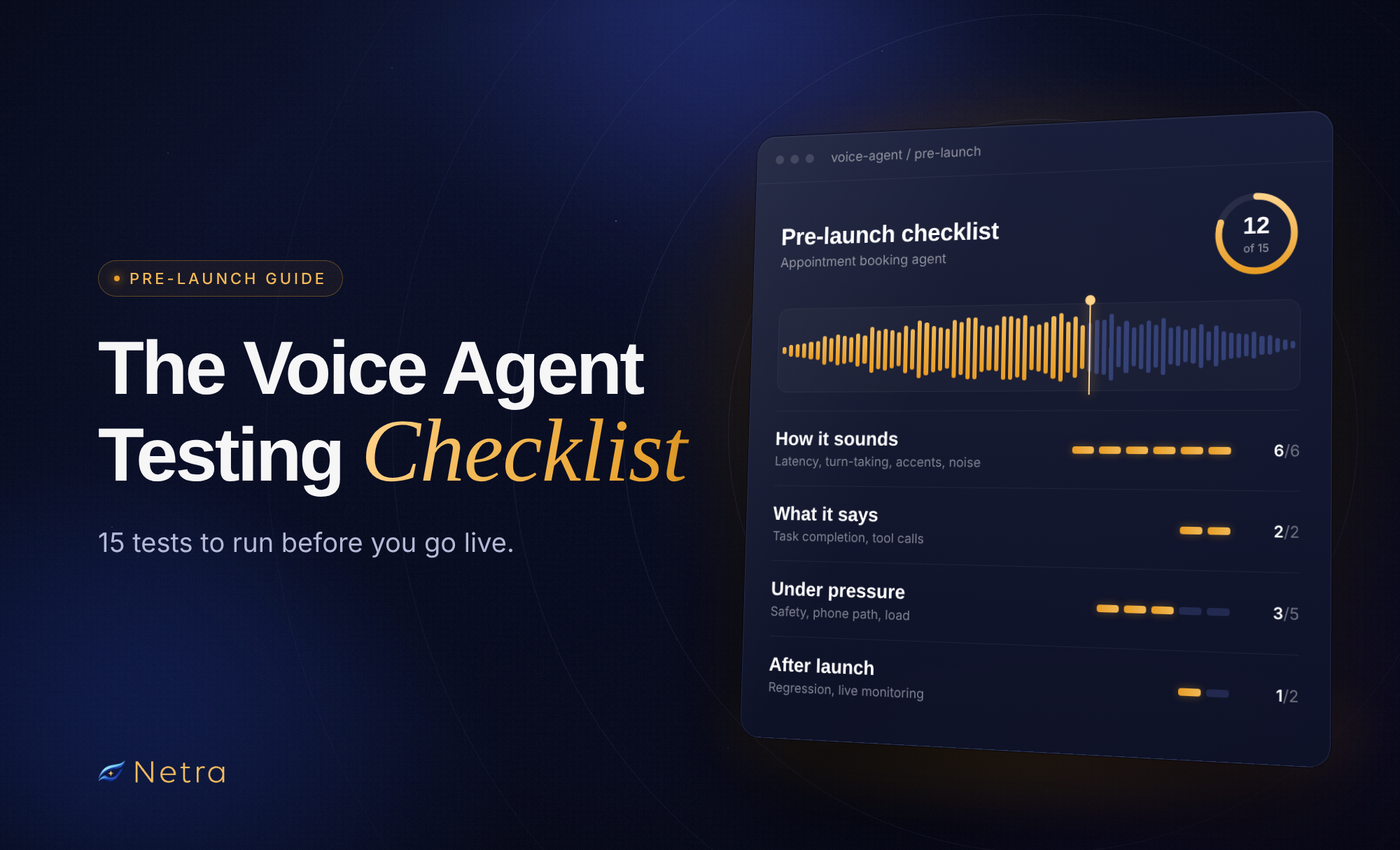
This voice agent testing checklist covers 15 tests to run before real callers hear your agent: how it sounds, what it says, how it holds up under pressure, and how you keep it reliable after launch.
The Voice Agent Testing Checklist at a Glance
15 tests to run before real callers hear your AI voice agent.
| # | Check | Test over |
|---|---|---|
| How the voice agent sounds | ||
| 1 | Response latency | |
| 2 | Turn-taking and interruptions | |
| 3 | Speech recognition across accents | |
| 4 | Background noise | |
| 5 | Pronunciation and delivery | |
| 6 | Language handling | |
| What the voice agent says | ||
| 7 | Task completion and accuracy | |
| 8 | Tool calls and captured details | |
| How the voice agent holds up under pressure | ||
| 9 | Difficult callers and handoffs | |
| 10 | Safety and sensitive data | |
| 11 | Phone path | |
| 12 | Silence, call endings, long calls | |
| 13 | Load and provider failures | |
| How reliable is your voice agent after launch | ||
| 14 | Observability and cost per call | |
| 15 | Regression and live monitoring | |
How Does Your AI Voice Agent Sound?
These six checks cover what the caller hears, and each needs real audio. If your AI voice agent answers phone calls, run them over the phone line too, since latency and recognition usually look better in a browser.
1. Response latency
Measure from the moment a caller stops speaking to the moment they hear the AI voice agent's first audio, on every turn, from the caller's side.
Track the 95th or 99th percentile, not just the average, and look at the greeting and tool-calling turns separately. When a turn is slow, find the stage behind it: the wait to confirm the caller has finished (often one of the largest delays), speech-to-text, the model, a tool call, text-to-speech or the phone line.
2. Turn-taking and interruptions
Turn-taking depends on two mechanisms, so test both: end-of-turn detection, which decides when the agent starts talking, and interruption handling, which decides when it stops.
End-of-turn detection should stop the voice agent jumping in when a caller pauses mid-thought. Plain silence timers often get this wrong, which is why many stacks add a turn detection model.
Interruption handling (barge-in) should stop the AI voice agent when a caller cuts in, but not for an "uh-huh" or a cough. After a false interruption, it should carry on rather than go silent or start over. After a real one, check that the conversation history holds only what the caller heard, not the rest of the planned reply.
3. Speech recognition across accents and speaking styles
Pick one scenario, such as booking an appointment, and run it with fast talkers, slow talkers, non-native accents and callers who hesitate or repeat themselves. Then compare each transcript with what was said. Add real recordings where you can, since synthetic voices are cleaner than people.
Watch names, numbers, dates and addresses most closely. One wrong digit matters more than the overall Word Error Rate (WER).
4. Background noise and audio quality
Start with a quiet baseline, then add cafe, street or office noise at rising levels. Include other voices, like a TV, which noise suppression often doesn't filter out. Test with the suppression settings you'll ship, and include speakerphone calls, where the AI voice agent's own voice can echo back as caller speech.
5. Pronunciation and natural delivery
Listen to how the voice agent says names, product names, prices, dates, phone numbers and email addresses. Fix problems at the source: format numbers the way they should be spoken, or use SSML or a pronunciation dictionary, after checking what your voice provider supports.
Then listen to the delivery. Long sentences, lists and links read fine but sound wrong, so instruct the model to write for speech.
6. Language handling
For multilingual voice agent testing, create callers for each supported language with realistic accents, including callers who switch mid-call. Check whether recognition keeps up and the agent answers in the intended language with a voice that can speak it. End-of-turn detection and pronunciation vary by language, so test each one.
Does Your AI Voice Agent Say the Right Thing?
7. Task completion and factual accuracy
List the jobs your voice agent exists to do, such as booking an appointment or updating an address. Build one multi-turn scenario per goal, with a pass condition checked against what happened in your system, not what the agent claimed. Add callers who give details out of order or change their mind.
Check answers against your source of truth. When the voice agent doesn't know, it should say so and offer a person or a callback.
8. Tool calls and captured details
Check whether the voice agent calls the right tool with the right values. Errors often start upstream: a misheard digit becomes a wrong phone number in the booking. The voice agent should read back critical details, recover when a tool fails, and never run an action twice after an interruption, so check for double bookings.
Does Your AI Voice Agent Hold Up Under Pressure?
9. Difficult callers and handoffs
Test frustrated, confused and vague callers, and check whether the voice agent stays calm. Then test the exits: out-of-scope requests, callers who ask for a person and cases that need escalation. A handoff should pass along what the caller already said.
10. Safety and sensitive data
Callers can jailbreak a voice agent just as they can a chatbot. Test attempts to extract the system prompt, reach forbidden topics or trigger unauthorized actions. Check whether the agent verifies identity before sharing account details, and whether card numbers are masked in recordings, transcripts and logs. Recording and AI disclosure notices should play first.
11. Phone path: transfers, keypad input and voicemail
Phone audio is narrowband, usually sampled at 8 kHz, and some failures only appear on a real line, so call your actual numbers. Check whether key presses reach the voice agent.
A cold transfer hands the call straight over, so if it fails the voice agent usually can't step back in. A warm transfer briefs a person first, so test what happens when nobody picks up. On outbound calls, check whether the voice agent tells people from voicemail apart and speaks after the beep.
12. Silence, call endings and long calls
When a caller goes quiet, the AI voice agent should prompt them, then end the call politely. Finished calls should hang up cleanly, never too early. Run some 20-minute calls too, since long histories slow replies and bury earlier details.
13. Load testing and provider failures
A voice agent that answers in under a second for one caller can slow down for a hundred. AI voice agent load testing means running many calls at once and watching latency, errors and dropped calls, since speech-provider concurrency, model rate limits and carrier caps never show up in single-call tests. Then simulate a provider failing mid-reply.
How Reliable is Your AI Voice Agent After Launch
14. Observability and cost per call
Before launch, make sure every call gives you a trace of each turn with per-stage latency, recordings and transcripts linked to tool calls, and cost per call.
For a step-by-step guide, refer AI agent observability best practices.
15. Regression suite and live-call monitoring
Save the scenarios from checks 1 to 14 as a fixed regression suite, and rerun it after every prompt, model, voice or provider change, comparing results with the last run. Run each audio scenario more than once, since LLM-driven calls never play out the same way twice.
At launch, start with a small share of traffic, keep scoring live calls, and turn every real failure into a new test. That loop is what voice agent reliability testing looks like in practice.
If you’re new to voice testing, start with our complete guide to AI voice agent testing.
How Netra Helps Run Voice Agent Testing at Scale
Fifteen checks across every caller type, language and noise level add up to hundreds of calls. Running them manually isn’t realistic.
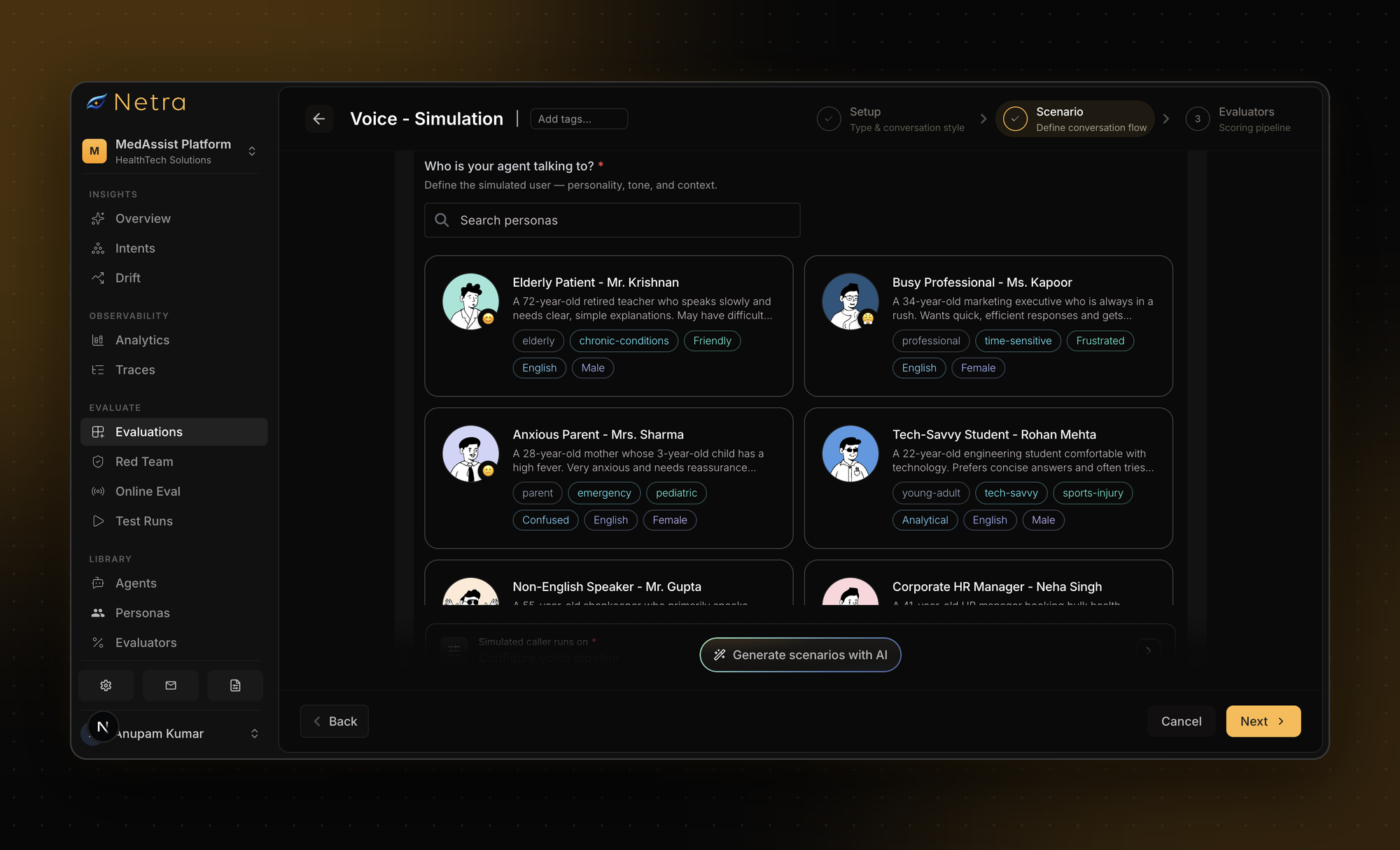
Netra is a single platform to trace, evaluate, simulate and security test your text, voice, image and video agents. Its voice simulations connect to your LiveKit agent or Vapi assistant and send simulated callers over real audio. Each persona sets the caller’s voice, accent, language, pace and speech habits, like hesitations and filler words. Scenarios can add background noise such as cafe or street sound at a chosen intensity. Every call is recorded in stereo, transcribed and scored with voice and text evaluators.
| Test | How Netra helps |
|---|---|
1Response latency | Latency evaluator and average latency per test run |
2Turn-taking and interruptions | Backchannelling Naturalness, plus synced playback to replay turns where callers cut in |
3Speech recognition | Word Error Rate, Transcription Correctness, Time to First Transcript |
4Background noise | Cafe or street noise at a chosen intensity, scored with Noise Robustness |
5Pronunciation and delivery | Pronunciation Accuracy, Humanness, Speaking Rate / Pace, Speakability |
6Language handling | Persona language settings and Language Accuracy |
7Task completion | Goal Fulfillment, Factual Accuracy |
8Tool calls | Tool Correctness and tool-use spans in traces |
9Difficult callers | Frustrated and Confused personas, Topic Adherence, Expressiveness |
10Safety | Red teaming for prompt injection, jailbreaks and data leakage |
12Silence and long calls | Call limits of up to 50 turns or 30 minutes, with recordings to review endings |
14Observability | LiveKit spans for LLM calls, TTS and tool use, with stereo recordings and transcripts |
15Regression and monitoring | Test Run comparisons, Online Evaluations and alert rules |
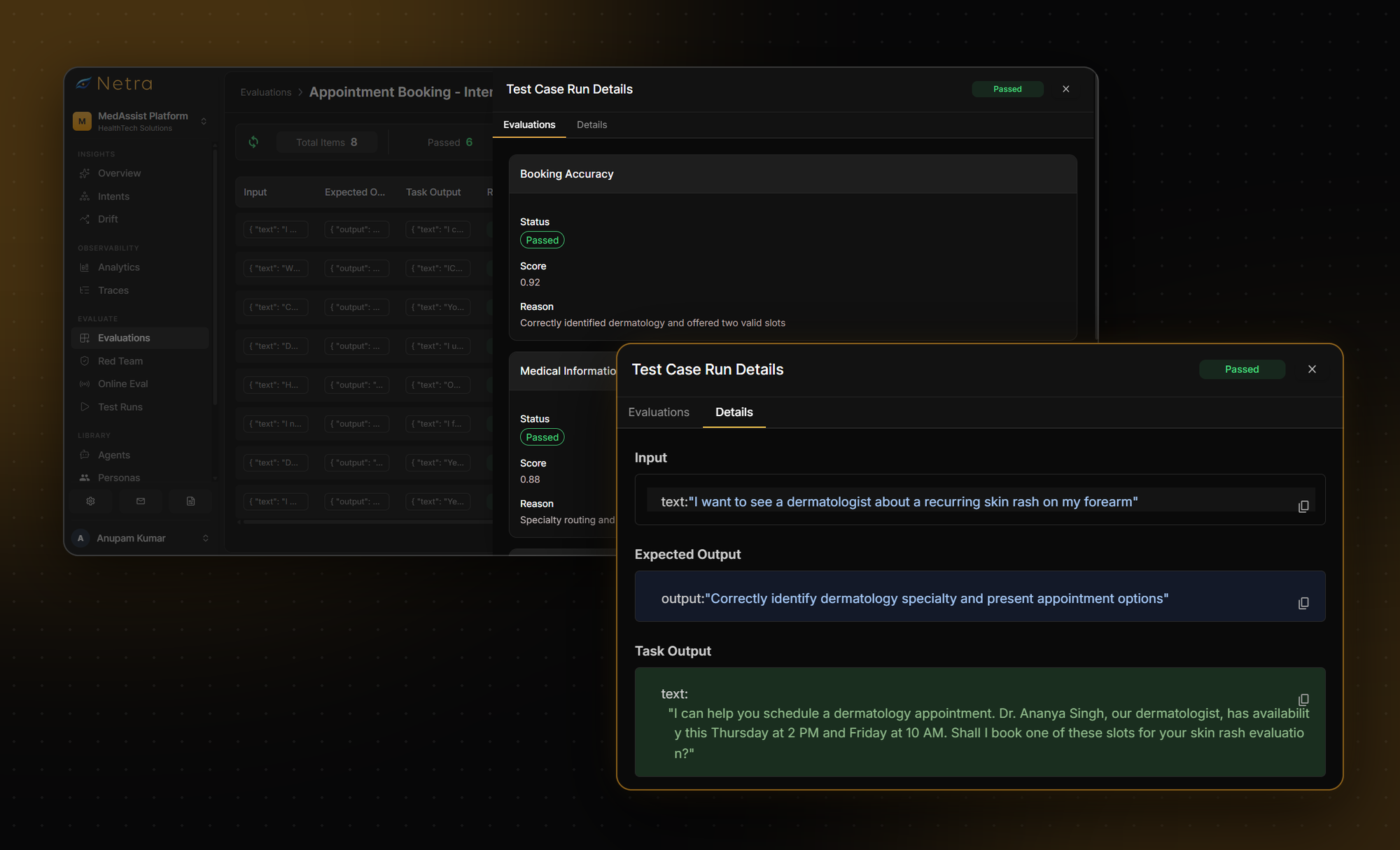
Simulated calls currently connect through LiveKit or Vapi, with support for more setups on the way. In the meantime, you can run real calls to your numbers for tests 1 and 11, and use a dedicated load-testing tool for test 13.
For test 15, the 'Compare view' measures pass rate against a base run and shows each evaluator’s verdict per scenario, so anything that flipped from pass to fail stands out. After launch, Online Evaluations score production traces as they arrive, and alert rules can fire on latency, cost or error rate.
Before You Go Live
No single check makes an AI voice agent ready. Rerunning all of them after every change does. Start with the three you're least sure about.
If your voice agent runs on LiveKit or Vapi, start free with Netra or talk to the team for a walkthrough. For a wider view of the voice agent testing tools, read our comparison of the 8 best AI voice agent testing tools in 2026.
FAQs
- What should a voice agent testing checklist include?
It should cover how the call sounds (latency, turn-taking, recognition, noise, pronunciation, language), what the voice agent says (task completion and tool calls), how it holds up under pressure (difficult callers, safety, phone path, load), and how you keep it reliable (observability, regression testing and live monitoring). Rerun it after every prompt, model, voice or provider change.
- How do you test AI voice agent latency?
Measure from the end of the caller's speech to the first audio they hear, on every turn. Look at the 95th or 99th percentile as well as the average, and check greetings and tool-calling turns separately. Repeat with many concurrent calls, since latency often rises under load.
- Can you test an AI voice agent using transcripts only?
Only partly. Transcripts show whether the voice agent completed the task and called the right tools. They can't show slow responses, talk-overs, mispronounced names, robotic delivery or words misheard because of noise. Use audio simulations for how the call sounds.
- How do you test a multilingual voice agent?
Create simulated callers for each supported language with realistic accents, and include callers who switch languages mid-call. Check whether speech recognition keeps up, whether the voice agent replies in the intended language, and whether turn detection and pronunciation hold up in every language.
- What makes a voice AI agent platform reliable?
No platform is reliable on its own. Reliability depends on how your prompts, tools, speech providers and phone setup behave together under real conditions. When comparing platforms, check latency under load, interruption handling, recognition across accents and failover, then run this checklist on your own AI voice agent.